The Arranger
Set the tune details
Set how the tune is shown everywhere.
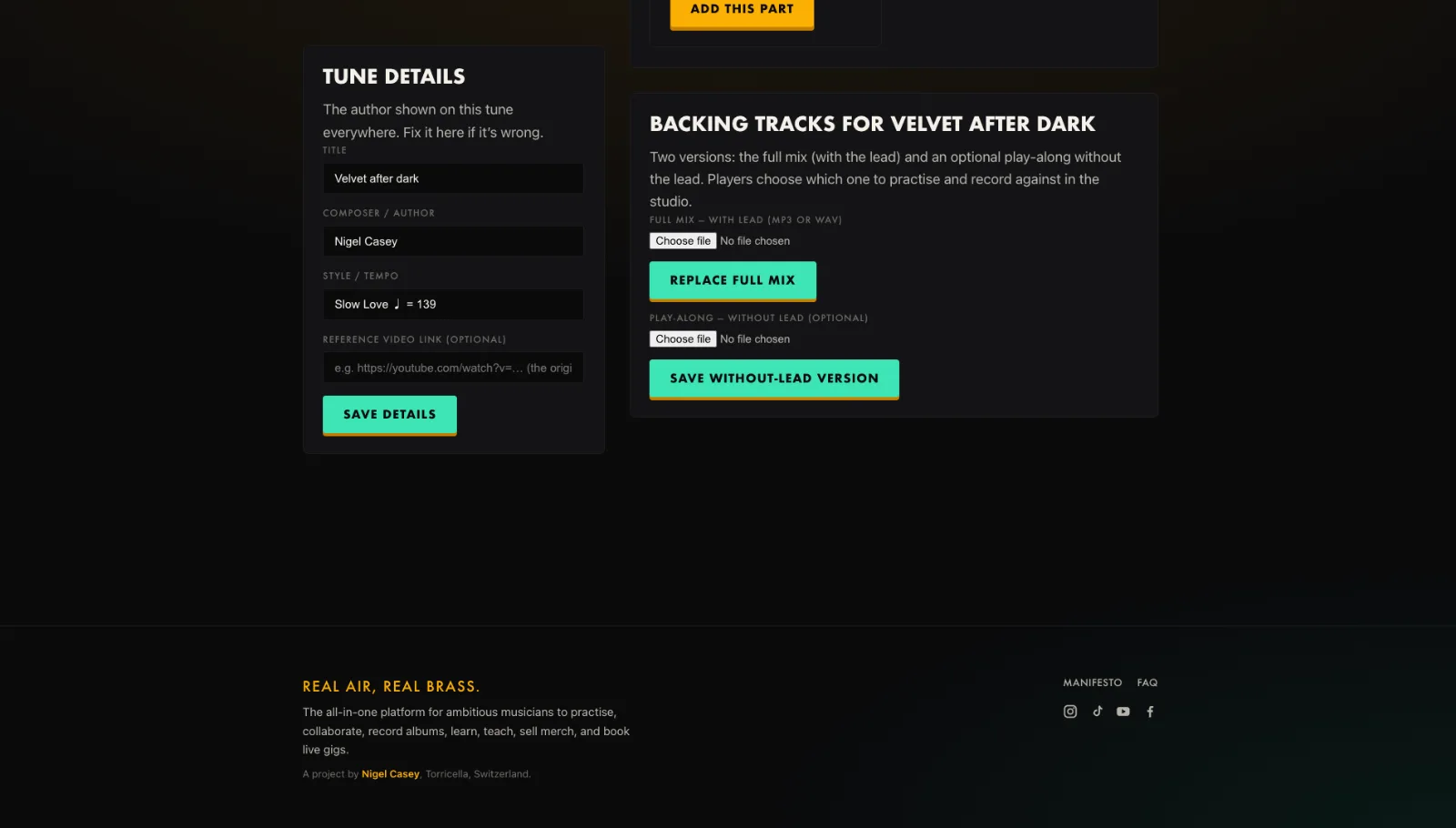
- Open Tune details in the Arranger.
- Set the title, composer and style or tempo.
- Add a reference video link if you have one.
- Press Save details.
Tip. The reference link shows as a Reference button in the studio and on Auditions.
You will end up with: Correct credits and a reference, shown across the platform.