The Arranger
Add a part to a chair
Give a chair its chart so players can read and record.
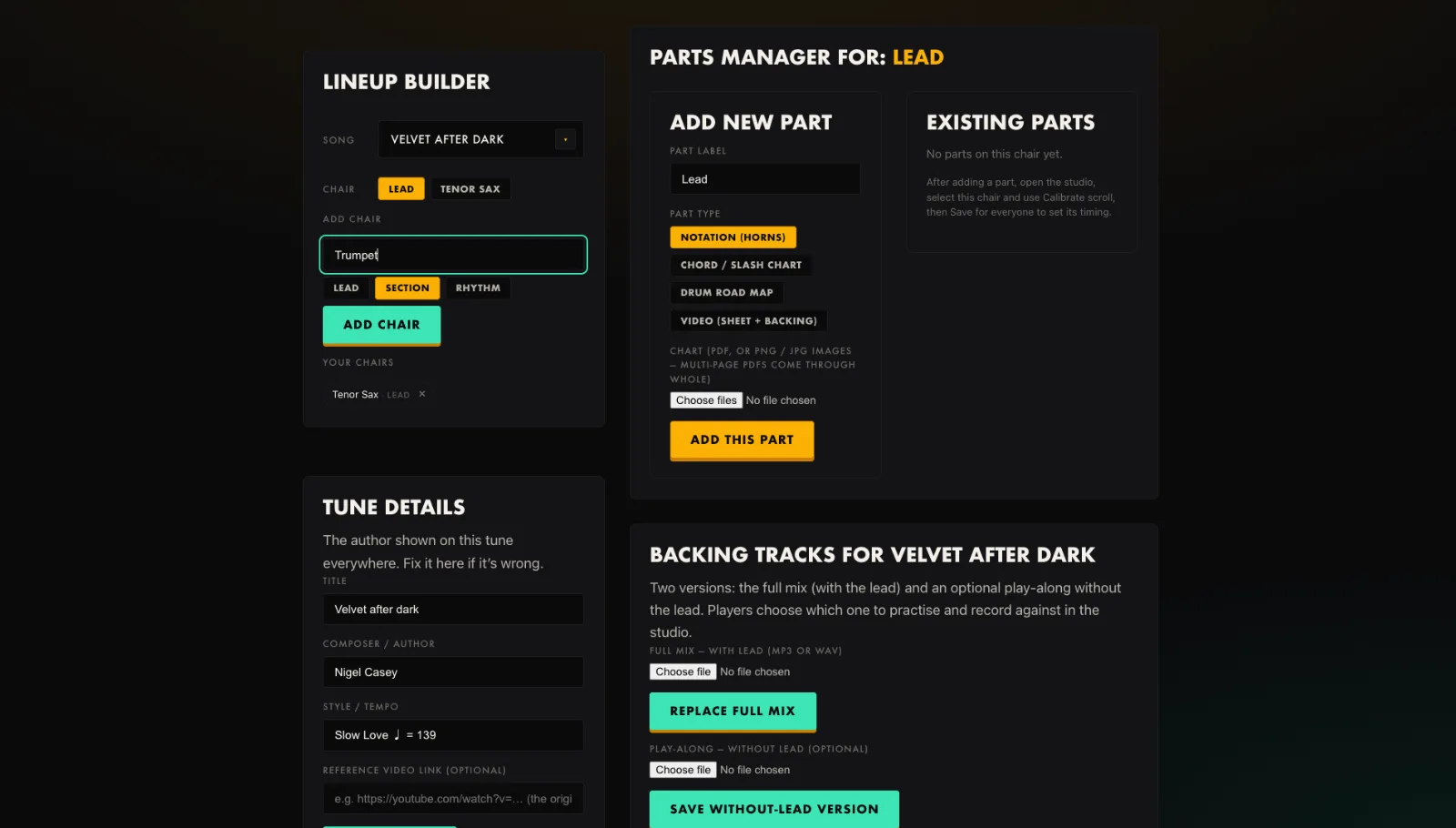
- Pick the chair in the Parts manager.
- Press Add new part and give it a label.
- Choose Notation for a horn part.
- Upload the chart as a PDF or PNG; multi-page PDFs come through whole.
- Press Add this part.
Tip. Export straight from your notation software. Every page stacks into one scrolling chart.
You will end up with: A readable, scrolling chart on the chair.