The Player
Calibrate the auto-scroll
Teach the chart to scroll in time, for everyone, on every device.
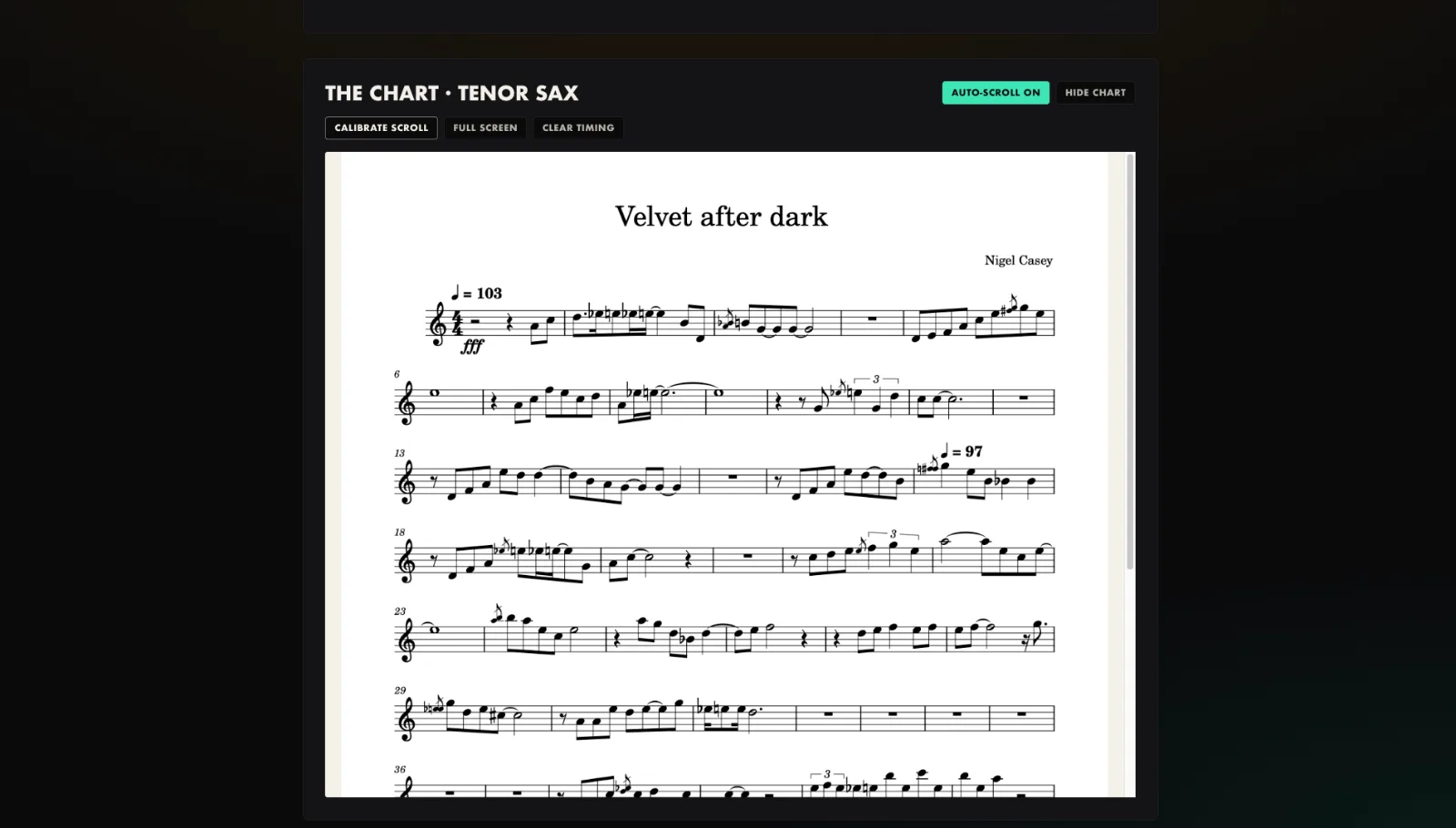
- Open the tune and show the chart.
- Press Calibrate and let the backing play.
- Scroll the chart from top to bottom in time with the music.
- Press Stop and save.
- It saves to the song, so every player gets the same scroll.
Tip. Let it run at least ten seconds and cover the whole chart, not a quick flick.
You will end up with: Hands-free auto-scroll that follows your timing for the whole section.