The Player
Record a take in the browser
Lay down your part through the browser, no studio needed.
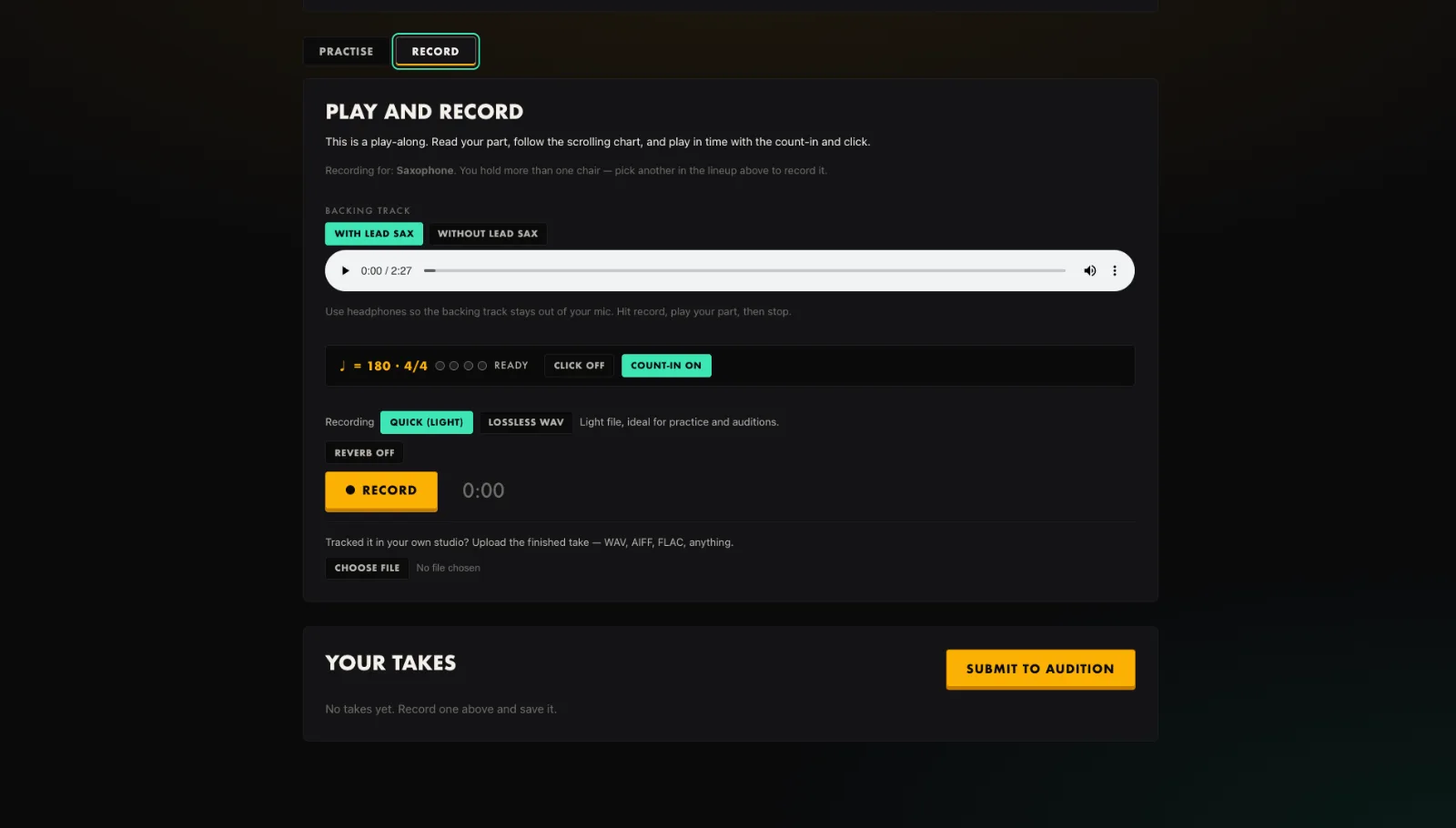
- Open the Record tab and allow microphone access.
- Choose Quick for a light file or Lossless WAV for full quality.
- Turn the count-in and click on if you want them.
- Press Record, play your part to the backing, then Stop.
- Listen back, and if it is good, Save the take.
Tip. Use headphones so the backing stays out of your mic.
You will end up with: A saved take you can submit to an audition or keep working on.