Quick start
Install the app
Add The Distributed Section to your device so it opens like an app, and works offline.
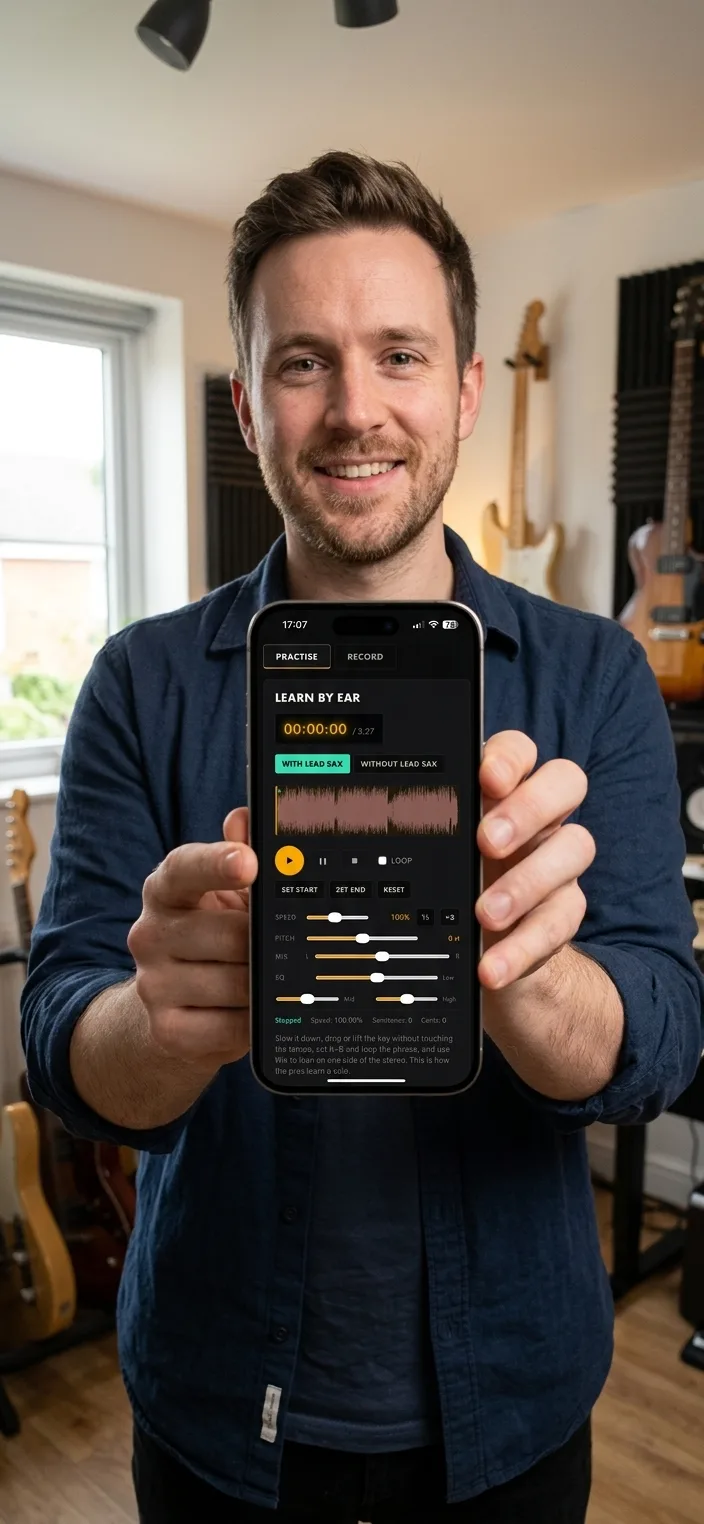
- On iPhone or iPad, open the site in Safari, press Share, then Add to Home Screen.
- On Android, open in Chrome, press the menu, then Install app or Add to Home screen.
- On desktop Chrome, press the install icon in the address bar.
- Open it from your home screen like any other app.
Tip. Download a setlist first, and you can read the charts with no connection at the gig.
You will end up with: The platform on your home screen, full screen, and ready offline.