The Performer
Add a live date
Put a concert, gig or workshop on the section schedule.
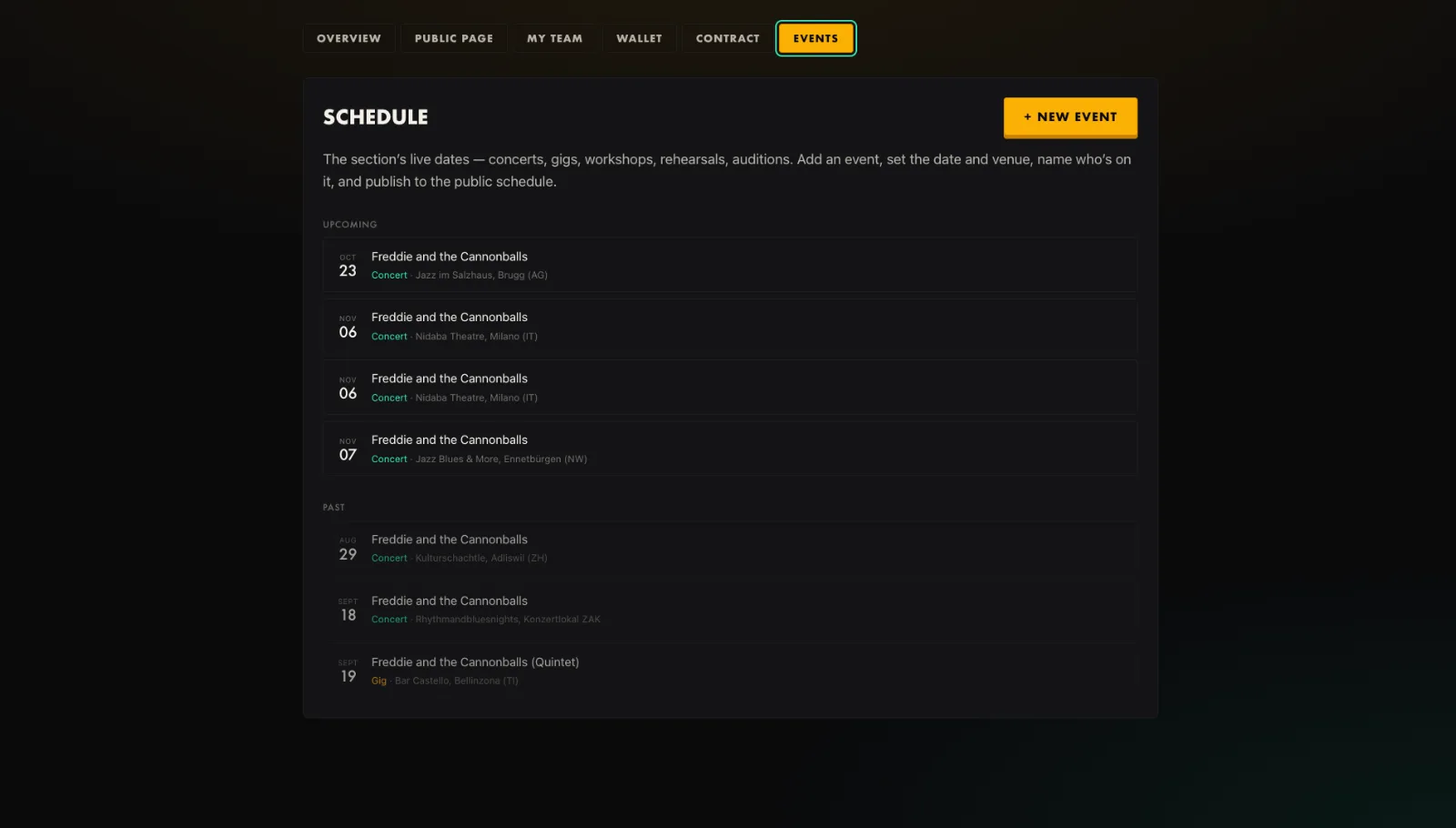
- Open your dashboard and go to the Events tab.
- Press New event, give it a title, and choose the type: concert, gig, workshop, rehearsal or audition.
- Set the date and venue, or mark it online, and name who is on it.
- Publish it to the public schedule.
Tip. Leave it unpublished while you line up the details. Publish once the date is confirmed.
You will end up with: A live date ready to share.