The Arranger
Extract the audio from a video
Turn a video play alon into an audio play-along track. "Extract the audio" pulls the soundtrack out of play-along videos you've imported, so the Learn-by-ear panel (the slow-downer that loops a passage and lets you adjust pitch, mix and EQ) has an audio track to work with. A video on its own can't be slowed and looped the way the ear-trainer needs, so this step produces the audio version once. It skips any video that already has it, and you only run it after importing new videos.
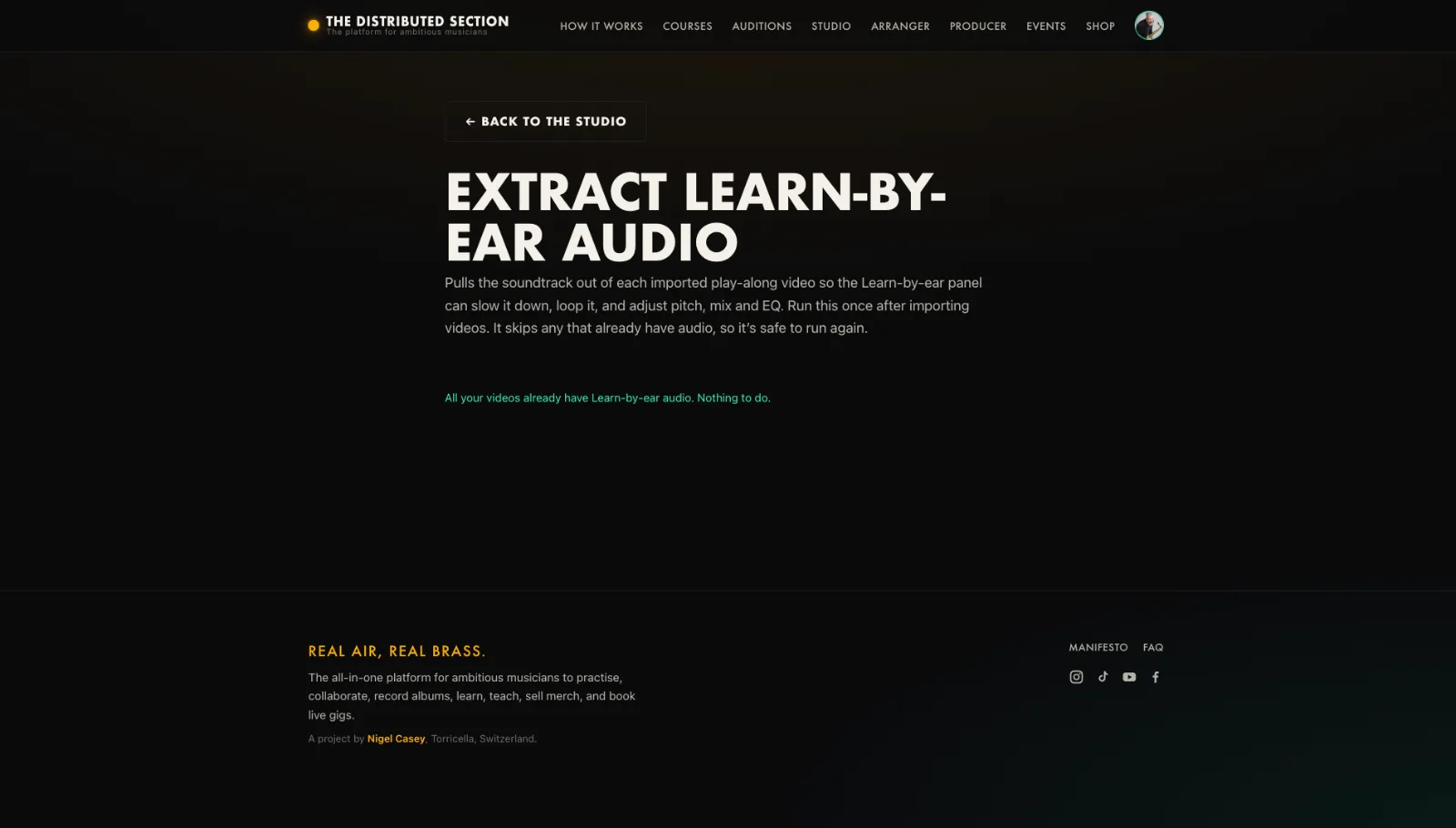
- Open the Extract audio tool.
- Pick the video.
- Let it pull the soundtrack.
- Use the audio as a backing or learn-by-ear source.
Tip. Handy when the only recording you have is a video.
You will end up with: A clean audio track from a video.