The Arranger
Add the backing tracks
Give players something to practise and record against.
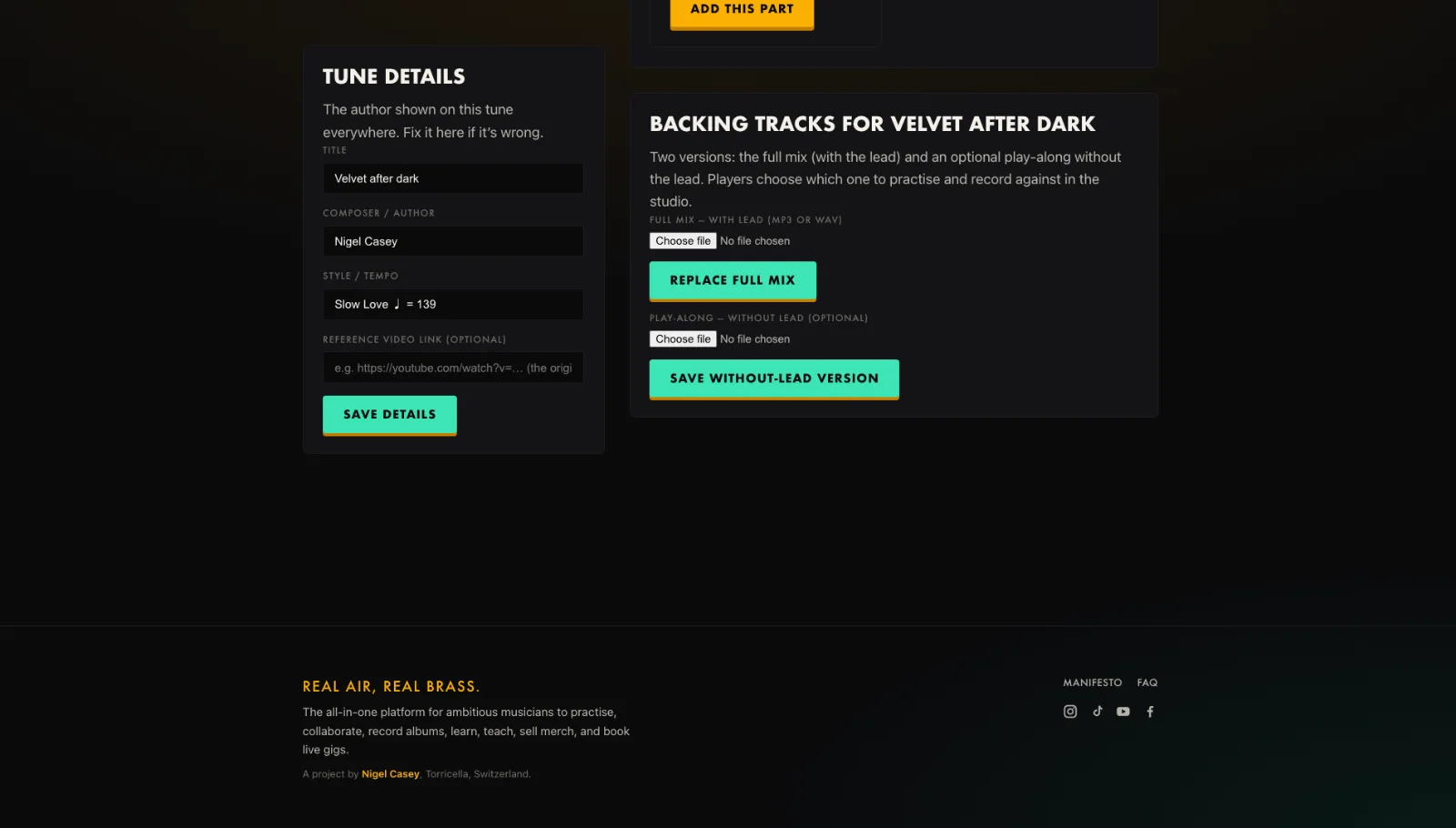
- Open Backing tracks for the tune in the Arranger.
- Upload the full mix, with the lead, as MP3 or WAV.
- Optionally add a without-lead play-along.
- Save. Players choose which one in the studio.
Tip. A WAV is turned into a light streaming copy automatically. Upload the best quality you have.
You will end up with: The tune is playable, with or without the lead.