The Arranger
Repair or resize a chart
Fix a chart that is oversized or shows only the first page. "Repair oversized charts" fixes chart images that were uploaded at too high a resolution. When a multi-page chart is scanned or exported at something like 300 DPI, the image is so large that only the first page ends up rendering in the player. This tool checks every chart, downsizes the oversized ones in place so all pages show, and leaves normal charts alone. It's safe to run more than once, and it skips anything that's already fine.
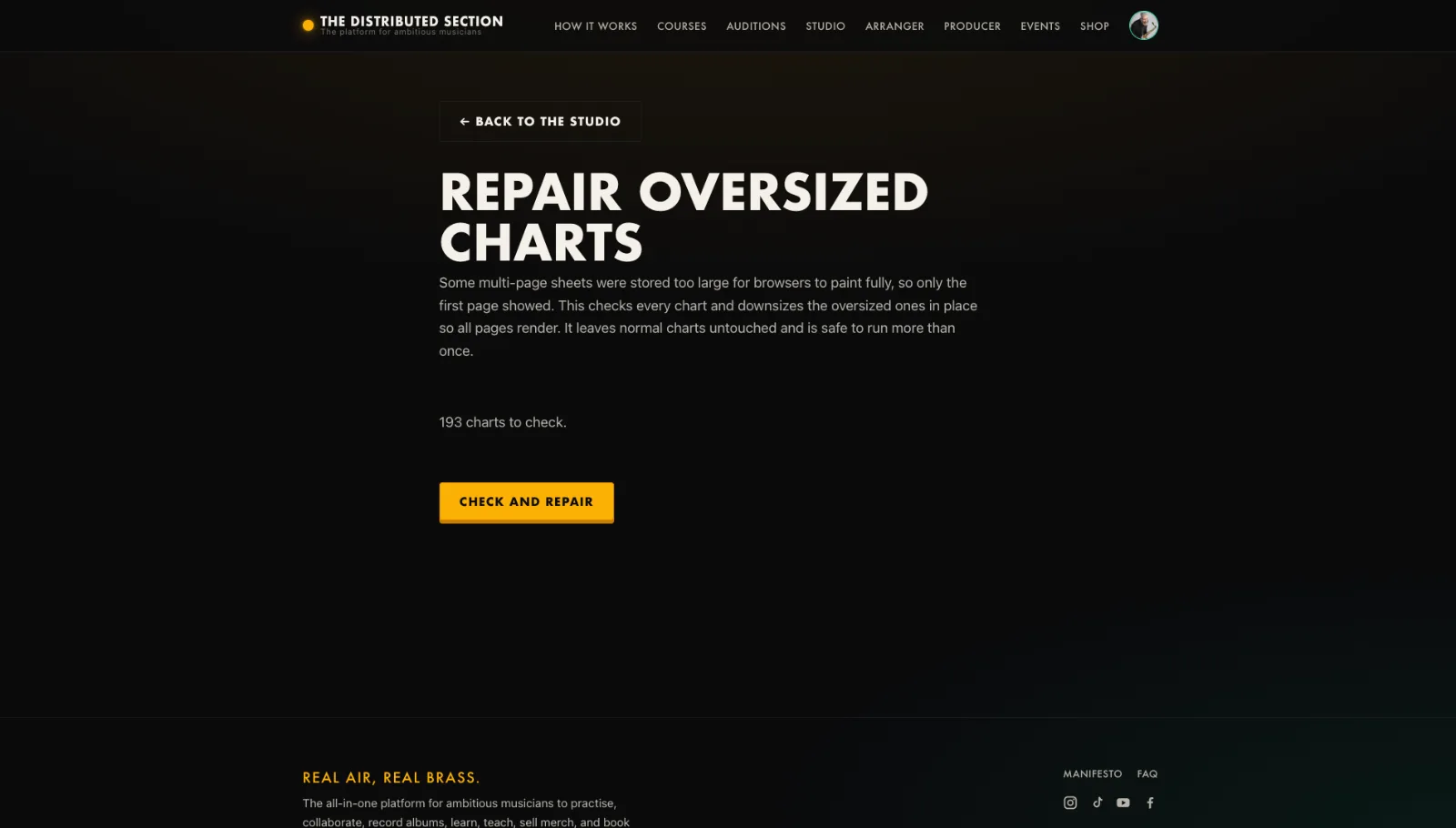
- Open the Repair charts tool .
- It lists charts that need attention.
- Press repair on the chart.
- It is resized so every page shows and scrolls.
Tip. Very tall multi-page charts can hit the browser image limit; this fixes them.
You will end up with: A chart that shows in full and scrolls cleanly.