The Arranger
Bulk and album import
Add many tunes, or a whole album, at once. Bulk import: You drop a folder of PDF parts and it creates a tune for each one with the sheets already attached. It parses the filenames to group parts into tunes, lets you rename each tune inline before creating, and skips any tune whose title already exists so you don't get duplicates. It's for loading a pile of charts quickly rather than one at a time. Album import: You pick a folder (or files) of backing tracks — WAV, Apple Lossless, or MP3 — and each track becomes its own tune ready to practise. If the audio and sheets sit together in the folder it pairs them up automatically, and it picks up the album name from the folder. Good for turning a whole album's worth of backings into playable tunes in one go.
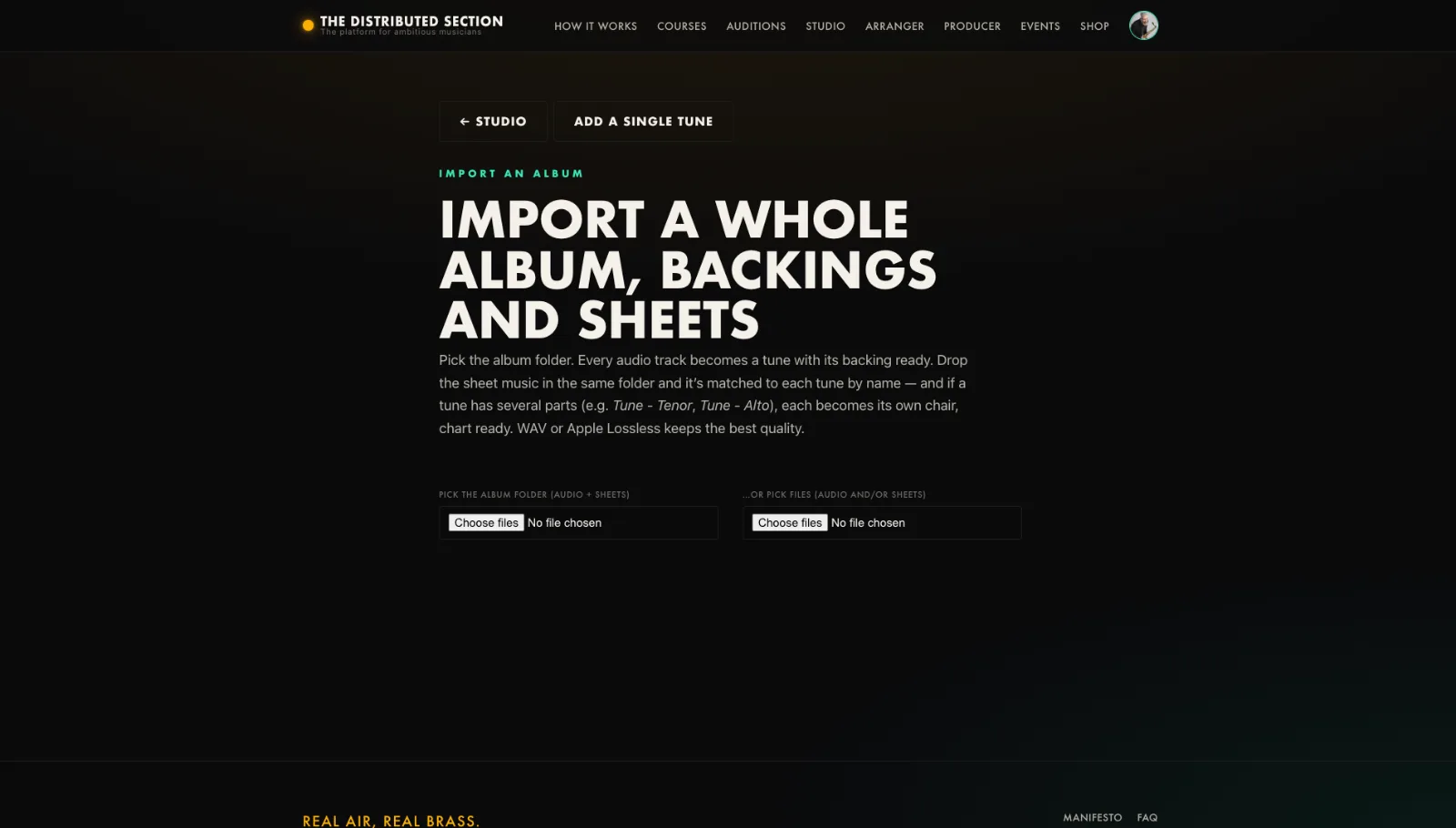
- Open the Import tool for PDF sheets, or Album import for WAV or MP3.
- Follow the prompts to add titles, charts and backings in bulk.
- Review what came in.
- Fix any details in the Arranger.
Tip. A big time-saver when you are setting up a catalogue, not a single tune.
You will end up with: A catalogue or album set up in one pass.