The Arranger
Open a chair for audition
List a chair on the Live Audition Feed so players can record for it.
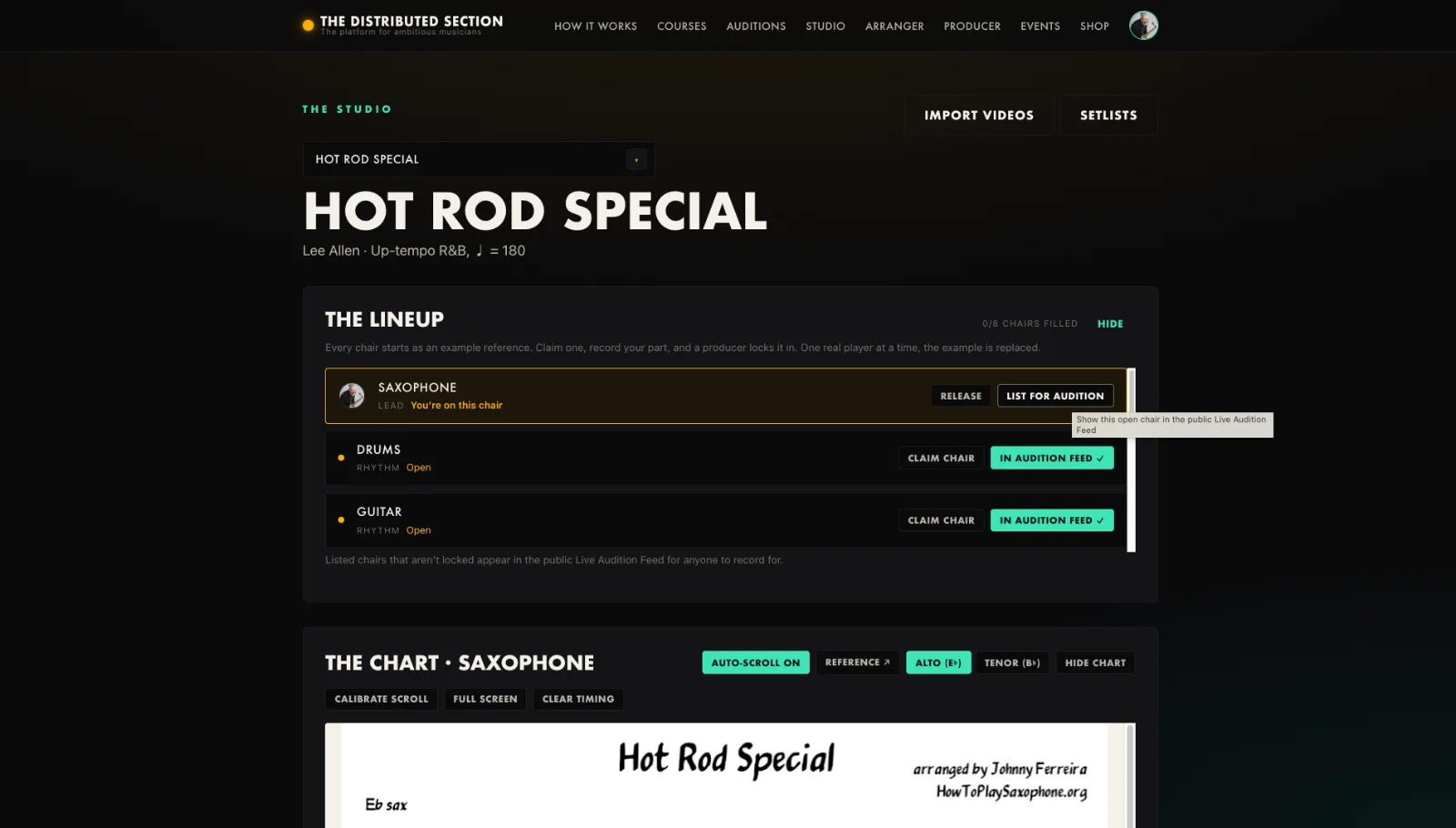
- Open the song as owner or producer.
- Mark the chair as open for audition.
- It appears on the Auditions page for that instrument.
- Submitted takes come to the Producer console.
Tip. Open only the chairs you actually want filled, so the feed stays honest.
You will end up with: Your open chair is live for the whole section to audition.