The Player
Read the scrolling chart
Follow the music hands-free as the chart scrolls in time.
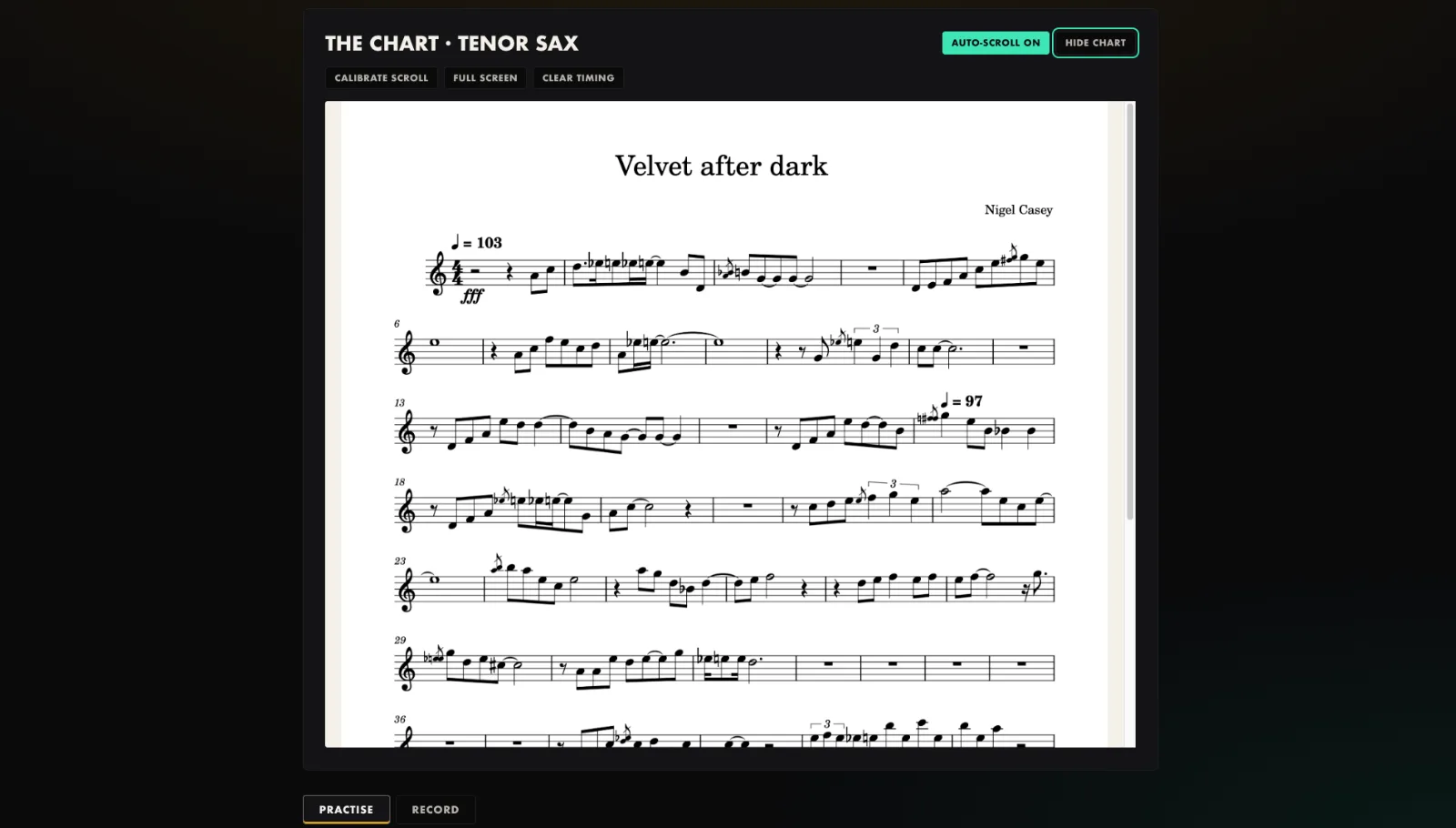
- Press play on the backing or the slow-downer.
- The chart scrolls with the music, and the sheet opens full screen.
- Use Full screen any time, and Hide chart to practise by ear.
- Auto-scroll follows the saved calibration for the tune.
Tip. On a phone, add the app to your home screen and use full screen for a clean music stand.
You will end up with: Your eyes stay on the music, not the mouse.