The Teacher
Publish, unpublish or delete a course
Control whether a course is live, and remove one safely.
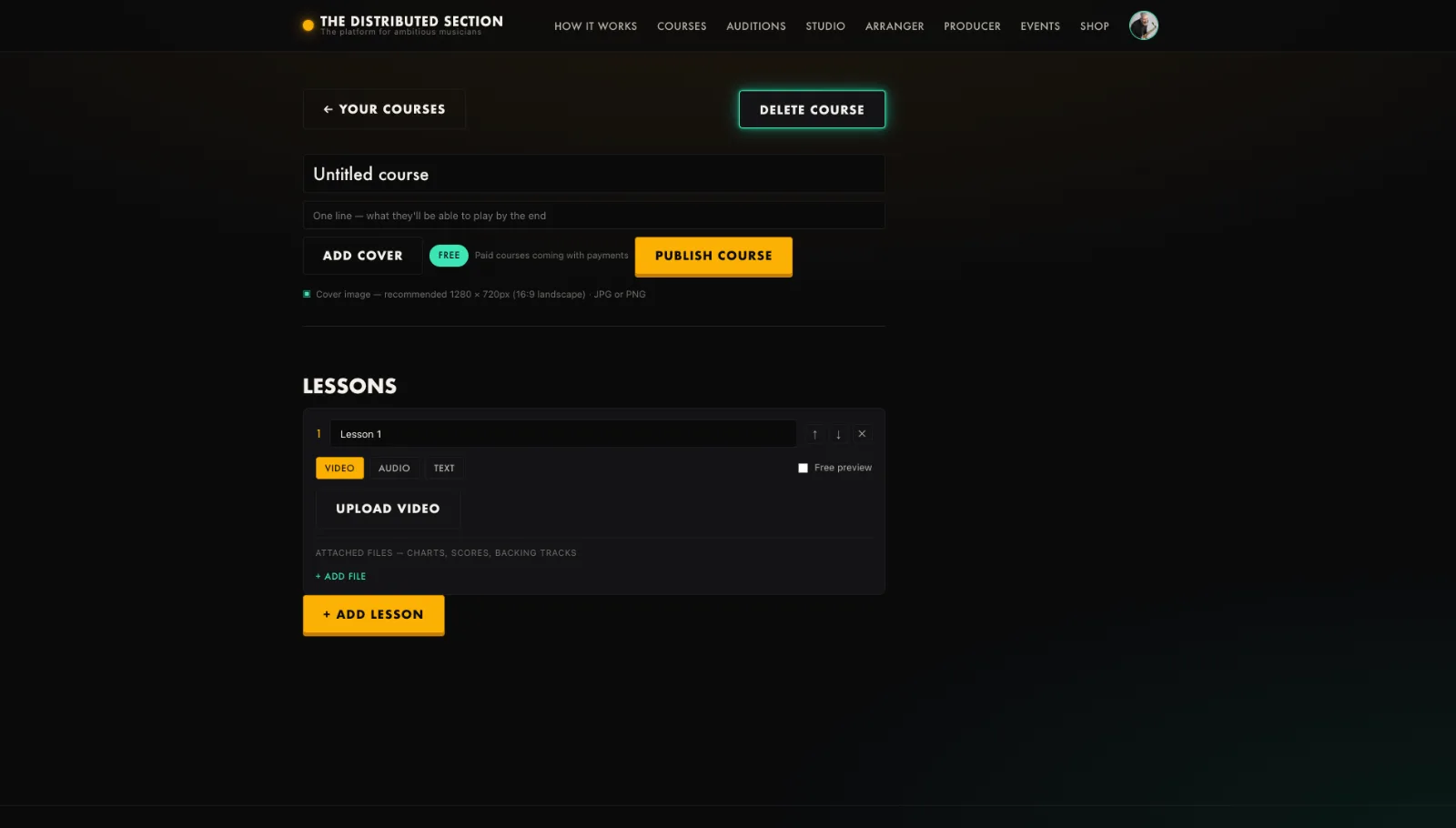
- Press Publish to make a course live in Courses.
- Press it again to unpublish back to draft.
- To remove one, press Delete course.
- Confirm on the Are you sure step; a single click cannot delete it.
Tip. Deleting removes the lessons and resources too. Unpublish if you only want it hidden.
You will end up with: Your courses show exactly what you intend.