The Producer
Add a performance video
Add a filmed performance and line it up to the audio.
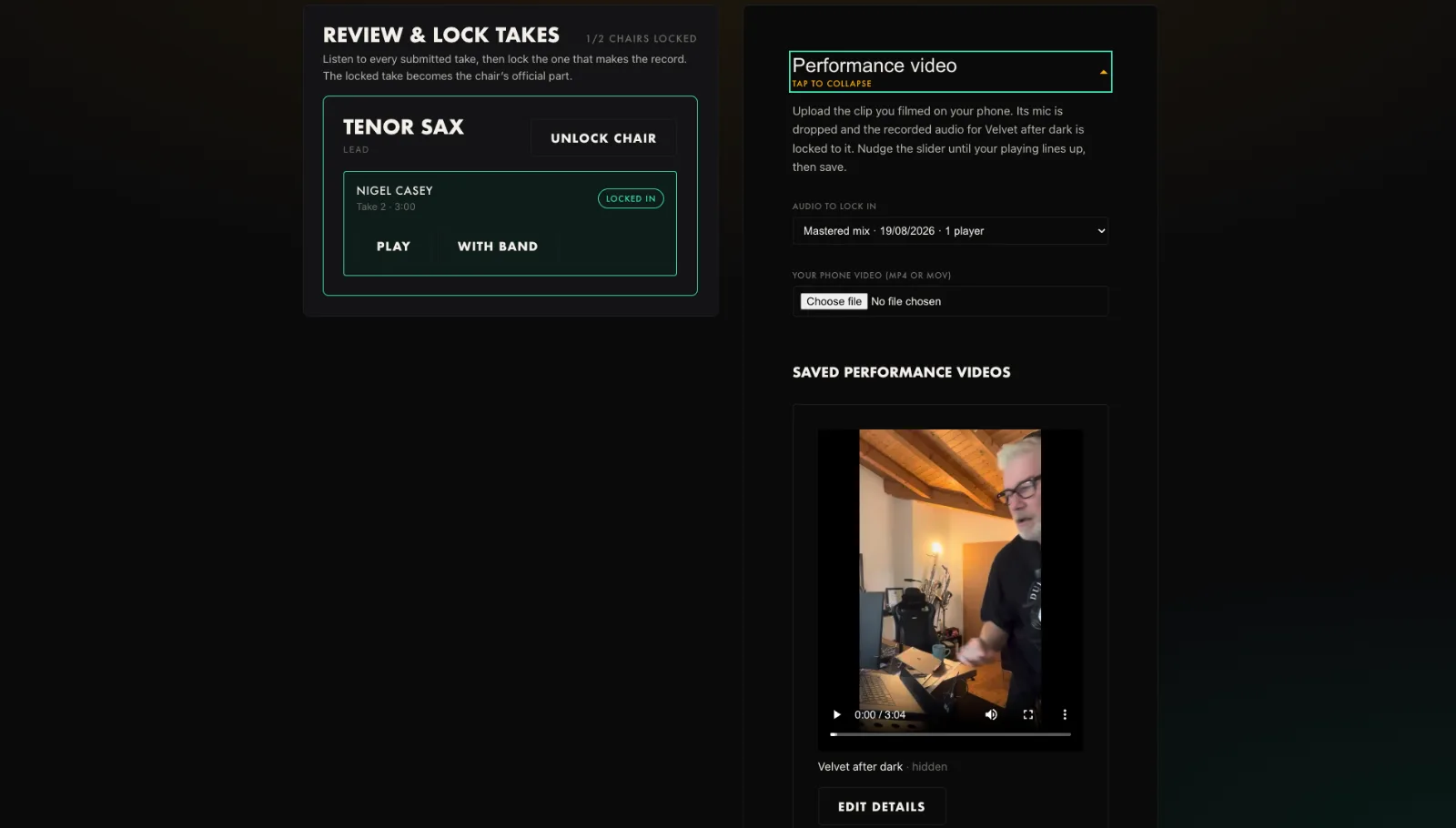
- Open the Performance video panel and expand it.
- Upload the clip you filmed on your phone.
- Pick the audio to lock it to.
- Nudge the slider until your playing lines up, then save.
Tip. The phone mic is dropped; the clean studio audio is used instead.
You will end up with: A synced performance video for the tune.